

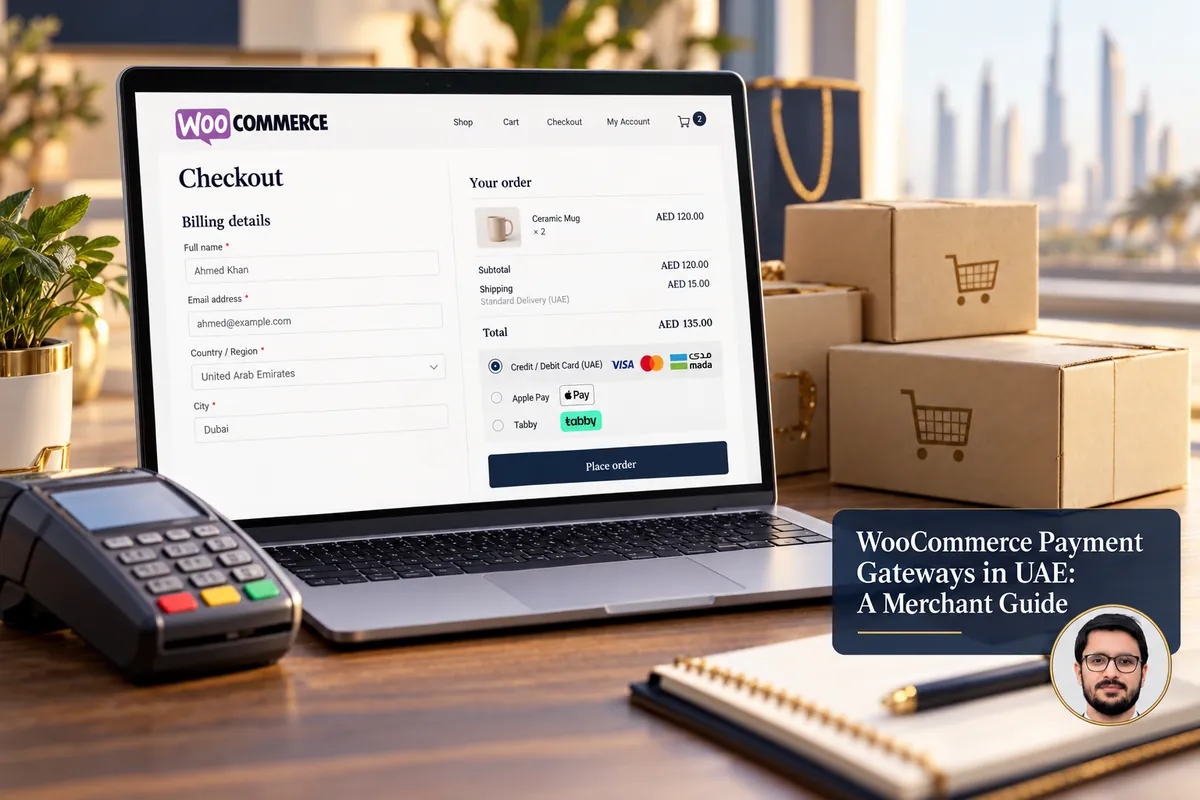
Choosing a WooCommerce payment gateway in the UAE is not just a matter of adding a logo to the checkout. A provider must support your business, settle funds on workable terms and offer a checkout experience your customers trust.
This guide explains how to compare options, configure a gateway carefully and avoid surprises after launch. Provider availability and fees change, so confirm them directly before making a commitment.
Start with your business eligibility
Gateway providers commonly review your business registration, ownership or identity details, bank account, website policies and product category. Some businesses will have more onboarding requirements than others. A provider that serves UAE merchants in general may still decline a particular business type.
Before applying, prepare your legal business details, customer support contact, refund terms, shipping information and a functioning website. Do not assume a plugin appearing in the WordPress directory means merchant approval is guaranteed.
Payment gateway options to investigate
UAE merchants often research providers such as PayTabs, Telr, Amazon Payment Services and Checkout.com, alongside banks and other supported processors. These are examples to evaluate, not a claim that each provider will accept your account or has the same integration capabilities today.
Check each provider’s official documentation for WooCommerce support, local currency handling, settlement methods, supported cards, recurring payments if required and available payment methods. Also confirm whether its plugin is maintained and compatible with your versions of WordPress, WooCommerce and PHP.
For broader context, see the comparison of Shopify payment gateways in the UAE. Provider support can differ between Shopify and WooCommerce.
What fees should you compare?
Ask for an itemized schedule covering setup fees, monthly minimums, transaction charges, international cards, refunds, disputes, currency conversion and payout timing. The cheapest headline transaction percentage is not always the lowest overall cost.
A business with low order values may be more sensitive to fixed per-transaction charges. A business selling internationally should examine foreign-card treatment and settlement currency. Use your own expected order mix to compare quotations instead of relying on a generic price chart.
Checkout experience matters too
Look at what the buyer sees on desktop and mobile. Does checkout remain on your site, open a secure hosted page or use a redirect? Are errors understandable? Can customers retry a failed payment without accidentally creating duplicate orders?
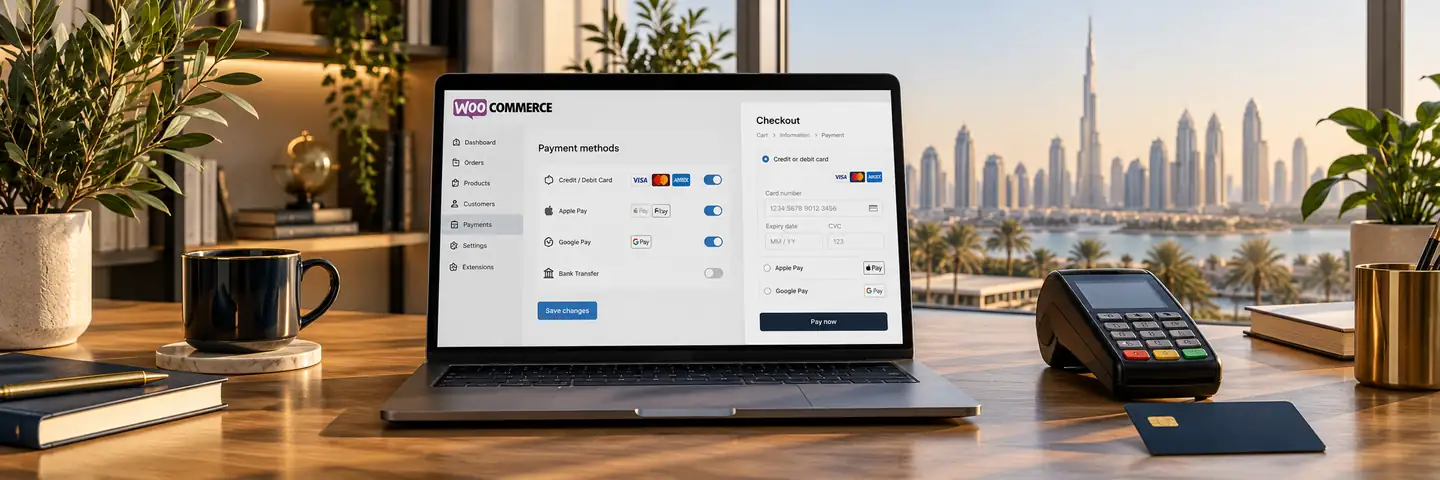
If you offer Apple Pay, Google Pay, installments or cash on delivery, check actual provider and device eligibility first. Display badges only for methods your store truly accepts.
How to connect a gateway to WooCommerce safely
1. Back up the site and confirm compatibility
Take a full backup and preferably work on staging. Review WooCommerce and PHP versions, caching rules, existing checkout customizations and the gateway extension’s compatibility notes. Avoid downloading payment extensions from untrusted sources.
2. Install the official extension
Use the provider’s documented WooCommerce plugin or supported integration. Enter API credentials only through the secure admin configuration and restrict access to trusted staff. Do not paste secret keys into public pages or screenshots.
3. Configure callbacks and order statuses
Follow the gateway’s webhook/callback instructions and check HTTPS. Confirm how successful, pending, cancelled, failed and refunded payments map to WooCommerce order statuses. A customer returning to the thank-you page is not by itself proof that the provider settled a payment.
4. Test realistic scenarios
Where the provider offers a sandbox, test successful and failed payments, duplicate submission, refunds and mobile checkout. Verify that order emails, stock changes and webhooks behave correctly. After launch, monitor initial real transactions closely within your business’s permitted test process.
Security and operational considerations
Keep WordPress, WooCommerce and payment plugins updated through a tested release process. Use reputable hosting, HTTPS, limited admin permissions and tested backups. Payment card handling requirements depend on the integration model; consult the provider and applicable PCI guidance rather than assuming that an SSL certificate alone covers every obligation.
Document who handles payment disputes, refunds and customer questions. Consider an alert if payments fail repeatedly so the business can respond promptly.
Frequently asked questions
Can WooCommerce accept AED payments?
WooCommerce supports store currencies, including AED, but successful processing and settlement depend on the selected provider and account configuration.
Is every UAE gateway available as a WooCommerce plugin?
No. Some providers offer maintained plugins, others offer developer APIs or partner implementations. Verify current compatibility and support before paying fees.
Should I use multiple payment gateways?
Sometimes, but only when they solve a real customer or operational need. Extra gateways create more configuration, testing and reconciliation work.
Related services: WordPress development in Dubai and WooCommerce development.