

Tracking website enquiries starts with defining what counts as an enquiry. A visitor clicking Send, a form displaying a success message and a valid lead reaching your team are different events. Your reports should make those differences visible.
GA4 and Google Tag Manager can help measure the journey, but the setup must match how your form actually works. This guide outlines a practical implementation plan and the checks a business owner should request.
1. Write a small measurement plan first
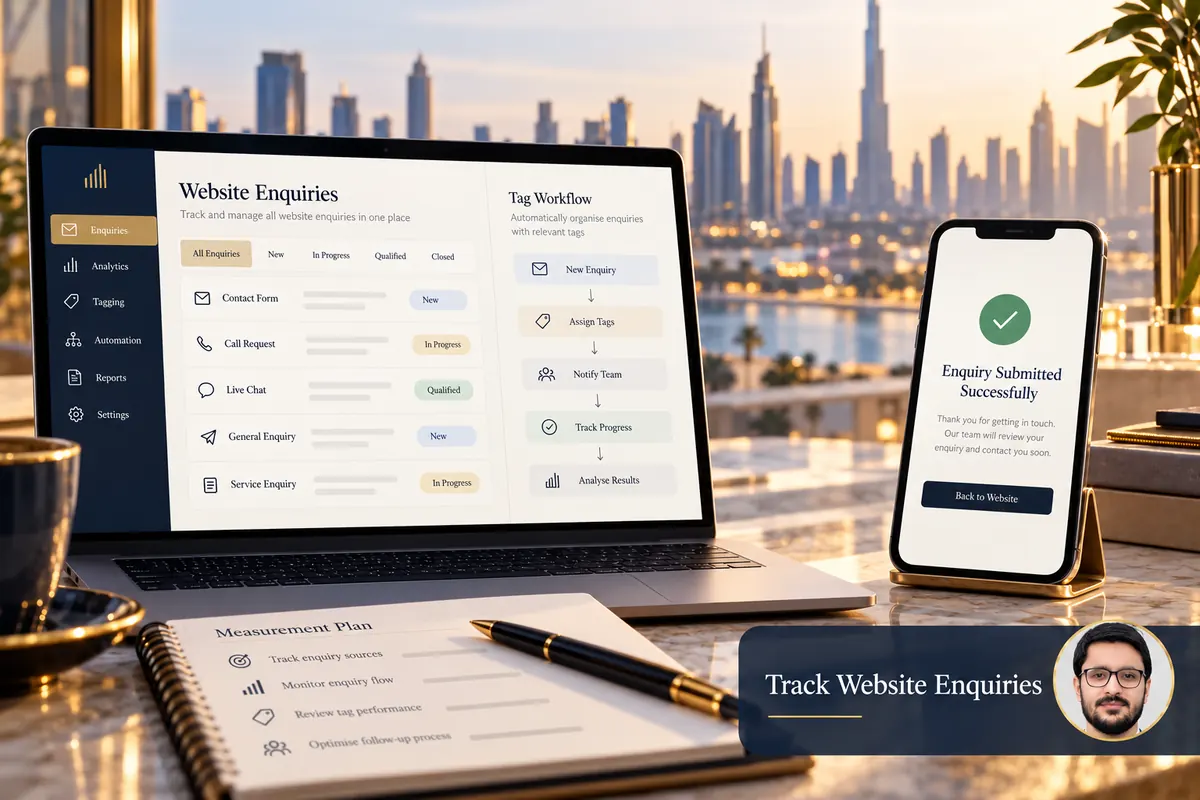
List the actions you want to understand: a successful quote request, a booking confirmation, a telephone link click or a WhatsApp contact click. Give each a clear definition and name. Avoid treating every interaction as an equally valuable lead.
Record the page, form identifier, success condition and intended report. For example, a successful project enquiry might require the form system to confirm acceptance, while a telephone click only shows an intention to call.
2. Inspect how the form confirms success
Does submission lead to a separate confirmation page, return an AJAX success response or show a message inside a modal? Ask the developer which signal reliably indicates acceptance. A trigger based only on the button click can count invalid attempts.
Google documents automatic form-interaction events in its enhanced measurement guidance. Test their behaviour on your actual form before using them as a business outcome. A browser-side form event is not proof that an email reached the recipient.
3. Choose an event that matches the outcome
Google’s recommended events reference includes generate_lead for lead generation. Use it when the implementation genuinely represents that action, with a documented success condition.
For contact-link clicks, use a separate clearly named event. Keep the meaning consistent across pages. Do not label a WhatsApp click as a completed conversation or assign invented revenue to every form submission.

4. Configure one clear collection path
Review existing tags before adding another implementation. A plugin, hard-coded script and Tag Manager container can accidentally send overlapping events. Choose who owns the configuration and document where each event originates.
A developer can expose a clean success signal for Tag Manager when needed. Trigger the GA4 event from that signal, then test that one successful submission produces the intended number of events. Reloading a public thank-you page should not silently inflate lead totals.
5. Keep personal information out of analytics
Do not send names, email addresses, phone numbers or free-text enquiry messages as event parameters. Google’s PII guidance explains the need to prevent personally identifiable information from reaching Analytics.
Use non-identifying values such as a form type or service category where appropriate. Check page URLs and query strings too. Align the implementation with the site’s privacy and consent requirements rather than treating tracking as a reason to collect more data.
6. Test before publishing the container
Use Tag Manager Preview and Tag Assistant to inspect draft behaviour before deployment. Verify the destination property, event name and relevant parameters. Then test the published configuration as an ordinary visitor.
- Submit an incomplete form: no successful lead event should be recorded.
- Submit valid test data through an approved test process.
- Check that the success event appears once.
- Confirm the enquiry reaches the intended backend or inbox.
- Test mobile, consent choices and a return visit.
- Review duplicate collection and confirmation-page reloads.
7. Compare analytics with enquiry records
Analytics can miss events because of visitor choices, browser restrictions or implementation issues. Your lead system can also receive spam and duplicate requests. Review differences instead of forcing the totals to match.
Mark the appropriate business action as a GA4 key event after its meaning is verified. Keep lead quality and actual sales in the systems that record them. Review tracking whenever a form plugin, confirmation flow or template changes.
An example event plan and debugging sequence
These are example event definitions, not a claim about an installed configuration. Agree their meaning before building a tag.
generate_lead: send after the form system confirms an accepted submission, not on the Send button click. Confirm the receiving record separately.whatsapp_click: record contact intent when an approved WhatsApp link is clicked; do not label it a completed conversation.phone_clickor another descriptive click event: keep the action distinguishable from a successful enquiry.
In GTM Preview, use Tag Assistant to inspect the trigger and fired tags. On your test device, use GA4 DebugView to check the event name and non-identifying parameters. Consent settings or browser controls can affect collection.
- Try an invalid form: no successful-lead event should fire.
- Submit one approved valid test: inspect the success signal, one fired tag and one corresponding event.
- Check the actual inbox or CRM record and staff assignment.
- Retry or reload as relevant: investigate repeated events and duplicate submission handling.
Review both automatic form events and custom tags so the same accepted enquiry is not counted twice under separate lead rules. Only then select the relevant GA4 key event. Never put phone numbers, emails or message text in event parameters.
Frequently asked questions
Is a submit-button click enough?
No. It can happen before validation or a failed request. Prefer a reliable success signal for a completed form enquiry.
Does Tag Manager store my leads?
It manages tag deployment; it is not your enquiry database. Verify delivery to the system your team actually uses.
Should every contact click be a key event?
Choose events according to your measurement plan and keep different intent levels distinguishable.
Read why visits may not become enquiries and explore website search and measurement support. Share your current form setup for a scoped review.