

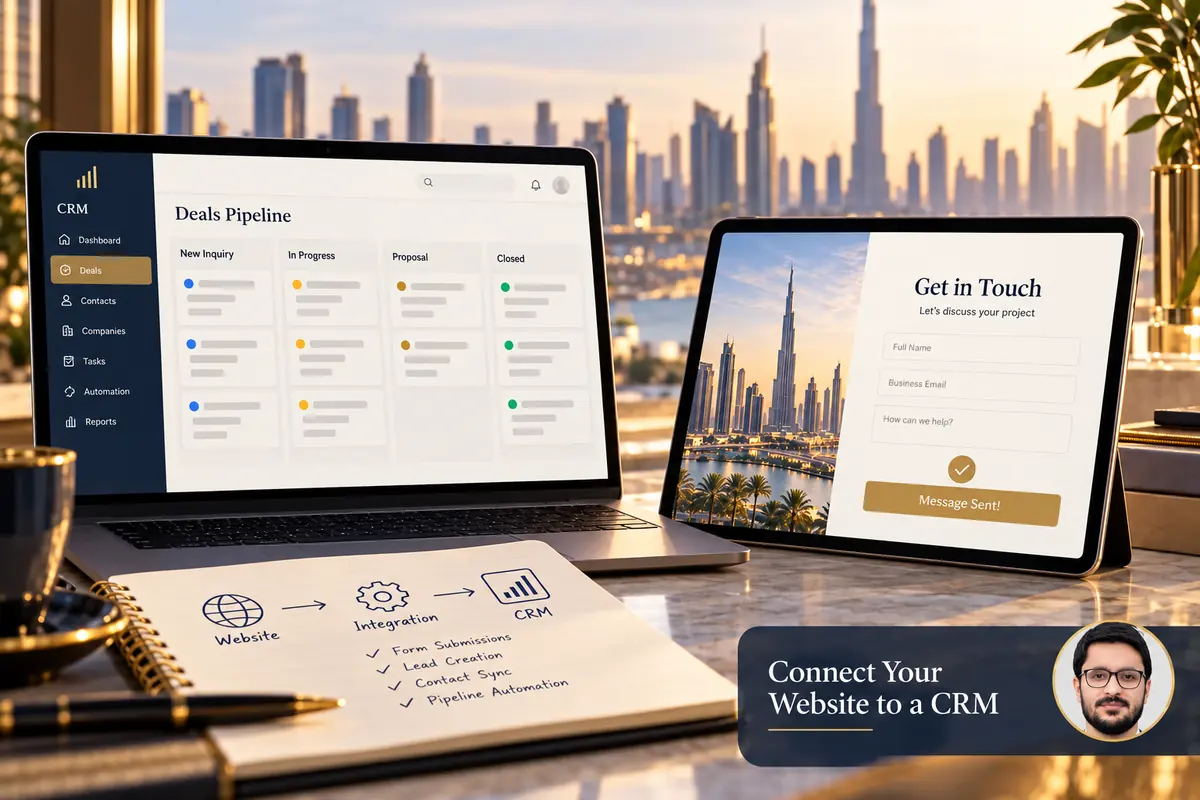
A website-to-CRM integration is successful when a valid enquiry reaches the right record and a person can act on it. A form showing “Thank you” is not enough if the CRM rejects a required field, creates an unusable duplicate or assigns the request to nobody.
Plan the handover as a small operational workflow. Define the data, the success condition and the recovery path before selecting a connector or writing custom integration code.
1. Define what should arrive in the CRM
List the minimum information needed to respond: contact details, requested service and useful page context. Decide whether the submission creates a new contact, updates an existing one or creates a separate enquiry associated with that person.
Keep the original request distinguishable from the contact record. A returning customer may submit a new project enquiry, and updating their telephone number alone should not make that new request disappear.
2. Map fields and validation deliberately
Create a mapping sheet containing the website field, CRM property, data type, required status and allowed values. Check dropdown labels against the CRM’s actual internal options. Test international telephone formats and long but valid names.
CRM submission rules vary. For example, HubSpot’s Forms API changelog documents validation changes around form fields and CRM properties. Use the current documentation for the exact endpoint or connector you select rather than assuming every system accepts the same payload.
3. Choose a supported connection method
Compare the native form integration, a reputable connector and a scoped custom connection. Consider access permissions, recurring costs, maintenance and how errors are exposed. A familiar automation tool is not automatically the best fit for every workflow.
Keep credentials out of public page code and use appropriate restricted access. Assign an owner who can renew a connection or respond when the provider changes an API requirement.

4. Decide how duplicates and repeat enquiries work
Define which identifier is used to match records and what should happen when a match is found. Do not overwrite important existing data with an empty optional field. Review how the system handles a customer submitting twice or retrying after a slow response.
Where the integration supports it, use a stable submission identifier to help prevent duplicate processing. Test the actual behaviour rather than relying on a connector’s feature label.
5. Make failures visible and recoverable
Decide what happens if the CRM is unavailable, rejects a value or the connection expires. Use an appropriately protected record of accepted submissions where suitable, with controlled retention and a process for retrying failed deliveries.
Do not expose private error details to visitors. A customer-facing message should explain the next useful action, while technical diagnostics go to the authorised owner. Keep any fallback contact route accurate and monitored.
6. Assign the next action, not only the record
- Choose who receives each type of enquiry.
- Keep the source page or service context available.
- Define how staff mark a request as reviewed.
- Decide when and how follow-ups are assigned.
- Agree how spam and duplicate requests are handled.
A technically delivered lead can still be lost operationally. Review the CRM view that staff actually use and confirm new requests are noticeable without relying on one person’s memory.
7. Run an end-to-end test matrix
- A valid new contact and enquiry.
- An existing contact making a new request.
- Missing required and invalid optional values.
- A duplicate submission or retry.
- A simulated connection failure in a safe test setup.
- Mobile submission, record assignment and staff notification.
Use approved test identities and remove or clearly label test records according to the business’s process. Compare website confirmation with CRM delivery and assignment before calling the integration complete.
Frequently asked questions
Does every website need a custom integration?
No. A supported native connection may be sufficient if it handles the required fields and failures appropriately.
Can I measure leads only through Analytics?
Analytics measures selected events; it is not a replacement for the system holding the actual enquiries.
Should the form collect every CRM field?
No. Collect what is needed for the customer’s request and gather further information through the appropriate follow-up.
See enquiry tracking with GA4 and Tag Manager and writing an integration-ready project brief. Describe your current form and CRM to scope the handover.