

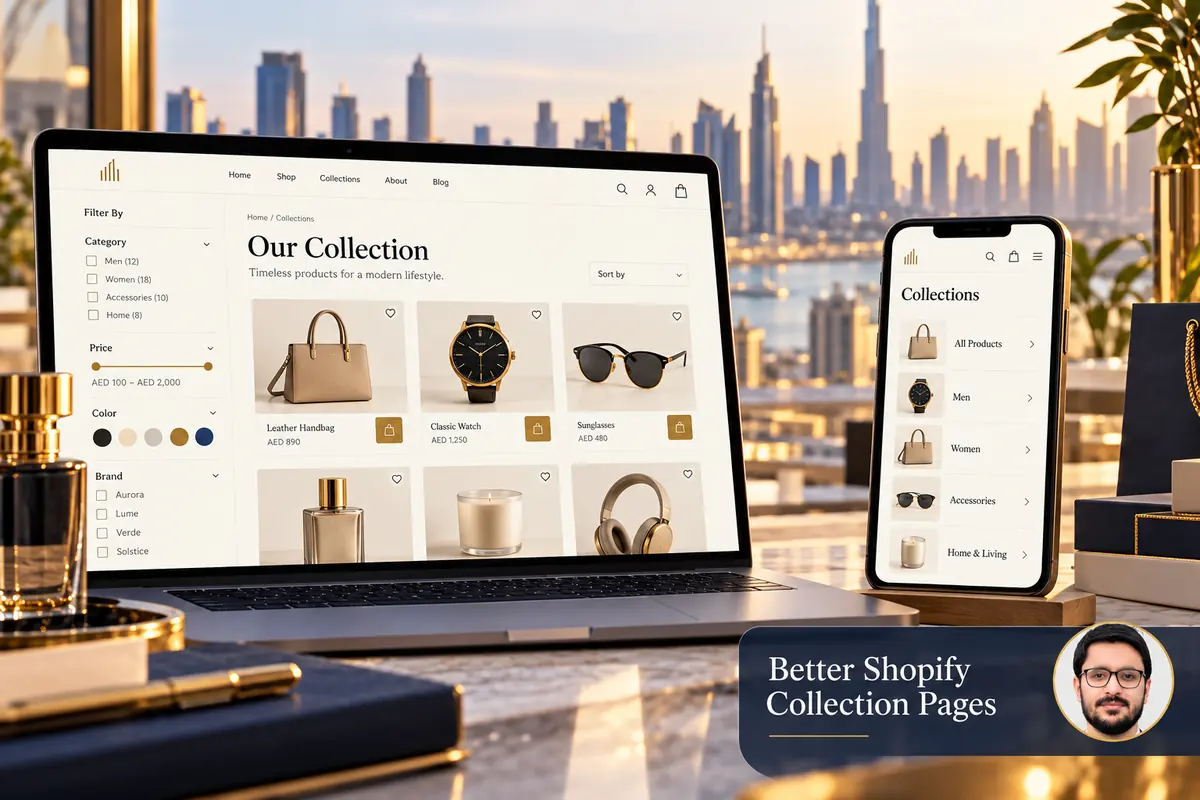
A Shopify collection page helps customers narrow a catalogue into a useful choice. It should show what belongs in the collection, provide relevant ways to refine it and make product differences easy to assess.
A Shopify developer in Dubai can help turn these findings into clearer collections, while Shopify web design can improve how shoppers compare products.
Start with the products and customer decisions, not the number of filter controls you can display. An attractive grid is less helpful when names, attributes and availability are inconsistent.
1. Organise collections around useful decisions
Group products in ways customers understand, such as product type, intended use or a genuinely distinct range. Avoid creating many nearly identical collections that differ only by a promotional phrase.
Use clear names in menus and page headings. Make important collections reachable through navigation and relevant internal links. Shopify provides guidance on linking collections so creating a collection does not leave it isolated from normal browsing.
2. Clean the product attributes first
Review option names, sizes, colours, brands and useful custom fields. A filter cannot give a dependable result if equivalent values are entered in several inconsistent forms.
- Use a consistent naming convention.
- Separate missing information from a confirmed attribute.
- Check variants as well as the main product.
- Remove outdated or misleading product classifications.
- Assign an owner for keeping new entries consistent.
Test the structure with real products, including unusual variants. Do not build the entire filter plan around a small demo catalogue that hides your actual complexity.
3. Choose filters that reduce uncertainty
Prioritise attributes customers use to decide. A clothing collection may need size and material; a technical catalogue may need a specific compatibility field. Too many weak filters can add work without helping the visitor.
Shopify’s Search & Discovery filter guidance explains theme compatibility and supported configuration. Confirm the filters actually appear in your theme; defining them in an app alone does not guarantee the storefront presents them.
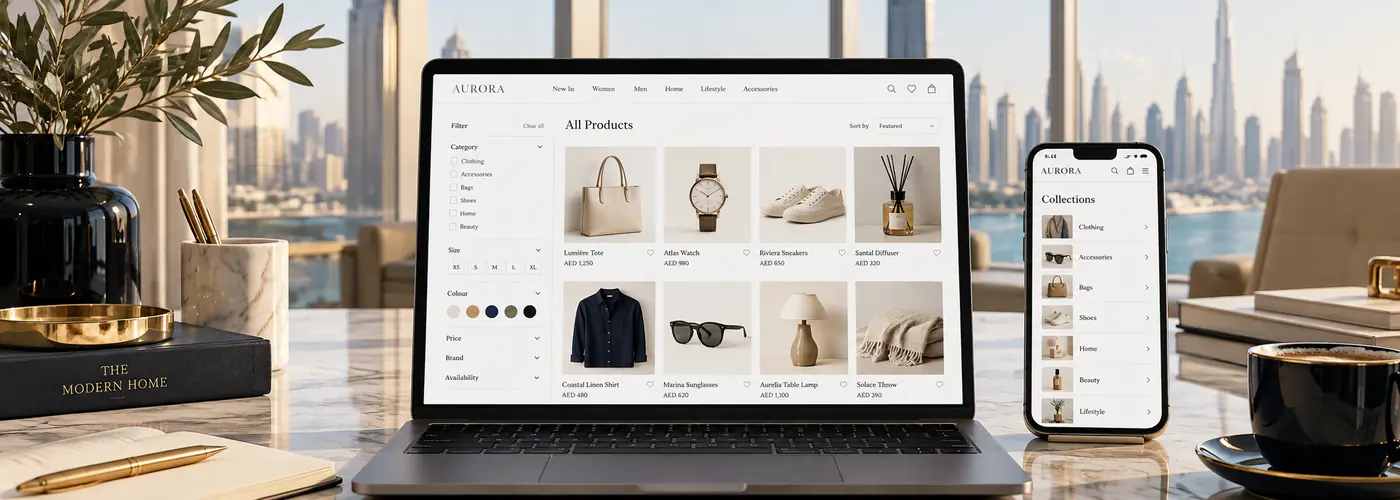
4. Make active filters and empty results clear
Show the selected refinements and provide an obvious way to remove them. When a combination returns nothing, help the customer broaden the selection instead of displaying an unexplained blank grid.
On mobile, check that opening a filter drawer does not hide its apply or close controls. Preserve the visitor’s selection when they inspect a product and return, where the implemented browsing flow supports it.
5. Build product cards for comparison
Use consistent image proportions and readable product names. Include accurate price context and useful distinctions without crowding each card. If availability or an option affects the next step, make the interaction understandable.
Do not rely on images alone to explain differences. A customer comparing similar products may need material, size or use-case information. Link each card to the correct product and check the behaviour of quick-add controls for items requiring options.
6. Use collection copy and links naturally
Write a concise introduction that explains the range. Add helpful guidance when the customer needs it, but do not push the product grid far down the page with repetitive keyword text.
Link to relevant buying information or neighbouring collections where it assists a decision. Keep page titles and descriptions specific to the collection’s actual purpose. Do not create fabricated review claims or stock messages as SEO decoration.
7. Test complete discovery journeys
- Find the collection through the menu.
- Apply a useful filter and change sorting.
- Open a product and inspect its options.
- Return to browsing and adjust the selection.
- Try an empty-result combination.
- Complete the journey on a small phone.
Review search questions and genuine customer feedback to identify confusing labels. Make focused changes and retest rather than continually adding more controls.
Frequently asked questions
Should every attribute become a filter?
No. Choose attributes that meaningfully help customers narrow the range and that you can keep accurate.
Do collections need long descriptions?
Use the explanation needed for the customer task. Length and repeated keywords are not a substitute for useful information.
Can a filter app fix inconsistent product data?
It may provide tools, but the source values still need a clear structure and maintenance process.
Read product information for UAE customers and choosing a suitable theme approach. Explore Shopify theme development or discuss your catalogue structure.