


Free tools for small business growth become useful when each one helps you make a decision. Installing ten dashboards without assigning a job to them usually creates more reports, not more customers. A better starting point is a small workflow that shows how customers discover you, what they need, where they struggle and which actions produce qualified enquiries or sales.
This guide builds that workflow for a small UAE business running Shopify or WordPress. It distinguishes tools that are free to use from products offering a limited free tier or a trial. Features and limits change, so check the linked provider pages before relying on a particular allowance. A free account also has a time and privacy cost; collect only the information you need and control who can see it.

Choose a business question before choosing a tool
Write down the decision you cannot currently make. “We need analytics” is too broad. “We do not know which service pages generate suitable enquiries” is specific enough to guide setup. “Customers say checkout is difficult on mobile” suggests a different investigation from “our products do not appear in search.”
Choose one owner for each tool and one place for action items. A weekly worksheet is enough: date, question, evidence, next action, owner and review date. Do not make a paid upgrade your first response to a report you do not understand. Start by learning whether the available data answers the business question.
The starter stack
| Tool | Main job | Free access boundary | First useful output |
|---|---|---|---|
| Google Search Console | Understand your own Google Search visibility | Property verification and permissions required | A page and query opportunity list. |
| GA4 | Analyse measured website journeys and events | Standard product is free; implementation still takes work | Enquiries or purchases by relevant channel. |
| Google Trends | Compare relative search interest | Not an absolute search-volume database | A regional or seasonal demand comparison. |
| Microsoft Clarity | Review eligible heatmaps and session replays | Free service; coverage depends on implementation and privacy settings | A shortlist of observed usability obstacles. |
| PageSpeed Insights | Check one URL’s loading diagnostics | Public tests; real-user data may be unavailable | A reproducible performance issue. |
| Screaming Frog SEO Spider | Crawl site URLs and find technical patterns | Free edition has a 500-URL crawl limit and restricted features | A small site’s broken-link and metadata inventory. |
| Ahrefs Free | Audit and inspect supported data for your own sites | Limited features; ownership verification applies to key tools | Prioritised findings for a verified website. |
| Google Sheets | Maintain the operating worksheet | Google account and storage limits apply | One shared decision and change log. |
This is a working stack, not a ranking of every product in the market. If Shopify’s native reports already answer an order question, use them before adding another reporting app. If you do not need behavioural recordings, do not install them simply because they are free.
Step 1 Find existing search demand with Search Console
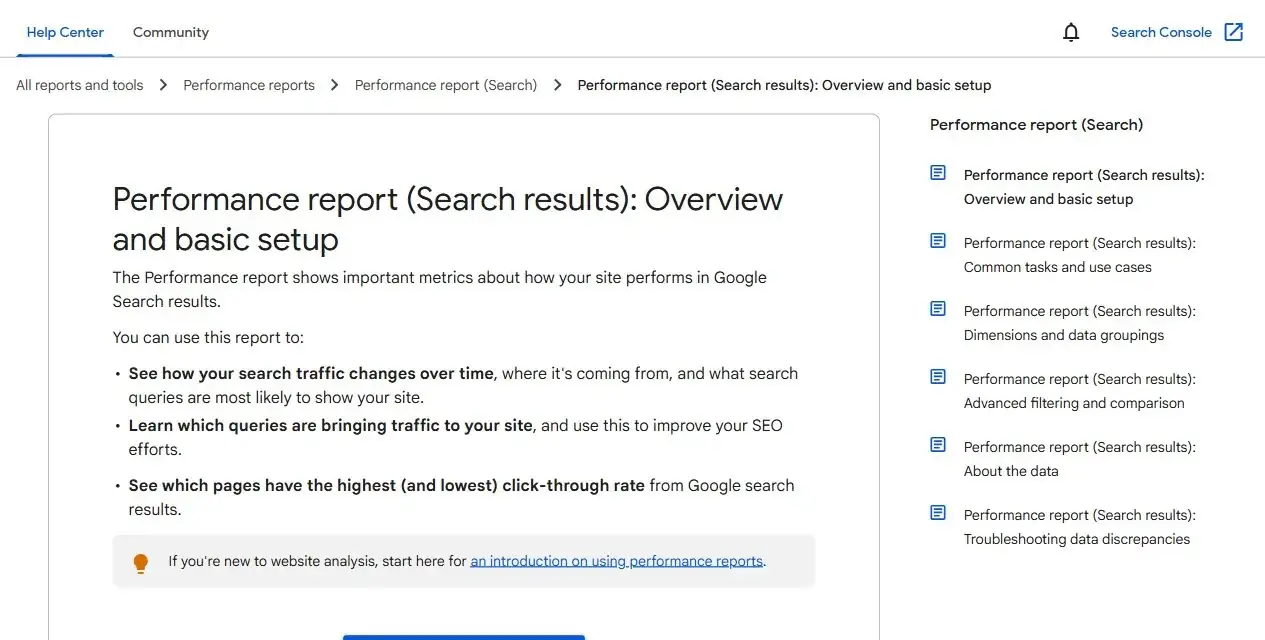
Open the verified property for your website and review search performance over a meaningful period. Compare pages and the queries associated with them. Separate branded searches from searches about your services, and check the relevant country and device filters. A query can generate impressions without being a good business target.
Export a small selection of relevant opportunities to your worksheet. For each page, write what the searcher seems to want and whether the page answers it. Do not interpret an average position as a fixed rank or a drop in impressions as proof of a penalty. The separate Search Console reports guide explains the report definitions; your task here is turning one finding into an action.
Assign a concrete improvement, such as clarifying a service scope or answering an unanswered buying question. Keep the date of the change. Later, compare similar periods and account for seasonality before deciding whether the work helped.
Open full screenshot
Step 2 Connect visits with useful actions in GA4
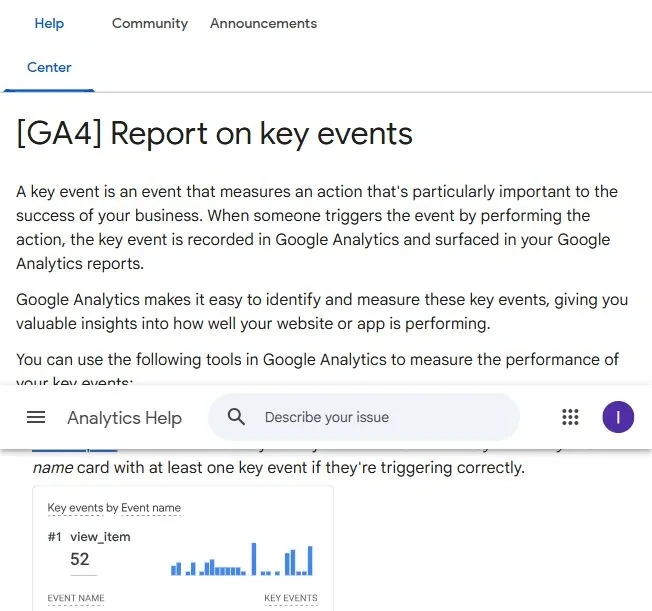
Before reading conversion reports, verify that the actions you care about are actually measured. A page view is not a completed enquiry. A click on a form button is not necessarily a successful submission. Define a successful action and confirm the implementation in the relevant debugging or real-time workflow without submitting fake customer leads.
Keep business records as a second reference. An analytics event can fire even when the enquiry email fails; a genuine sale may appear differently across systems because attribution and consent differ. Compare totals carefully instead of forcing every platform to match by changing settings at random.
Use the GA4 enquiry tracking guide when setting up the events. Once verified, make a weekly view showing useful actions by landing page and channel. Use qualified enquiries from your CRM or follow-up sheet to judge lead quality rather than celebrating every click equally.
Open full screenshot
Step 3 Use Trends for direction rather than invented volume
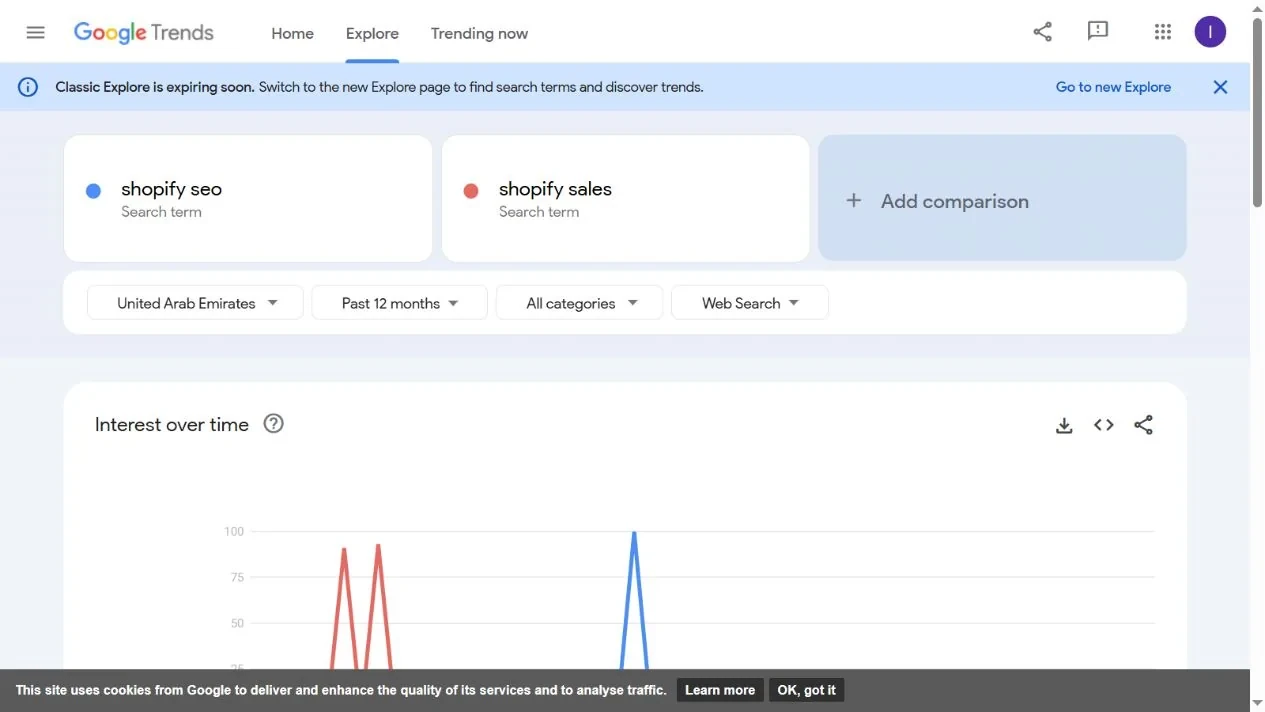
Open Google Trends, choose the UAE and a suitable period, then compare a few closely related terms. Keep the region, search type and date range consistent. Read whether you selected a search term or a broader topic because those are different comparisons.
Look for a seasonal pattern or a clear difference worth investigating. Do not interpret a score of 100 as 100 searches. Sparse terms may not have enough data to produce a useful result. If that happens, use a broader category to understand the context and retain the narrower customer language in your research worksheet.
For example, comparing two very specific Shopify phrases in the UAE can produce little related-query data. That limitation is a reason to gather other evidence, not a reason to label one term a high-volume winner. See the keyword research article in this review batch for the full mapping process.
Open full screenshot
Step 4 Use Clarity to investigate a defined page problem
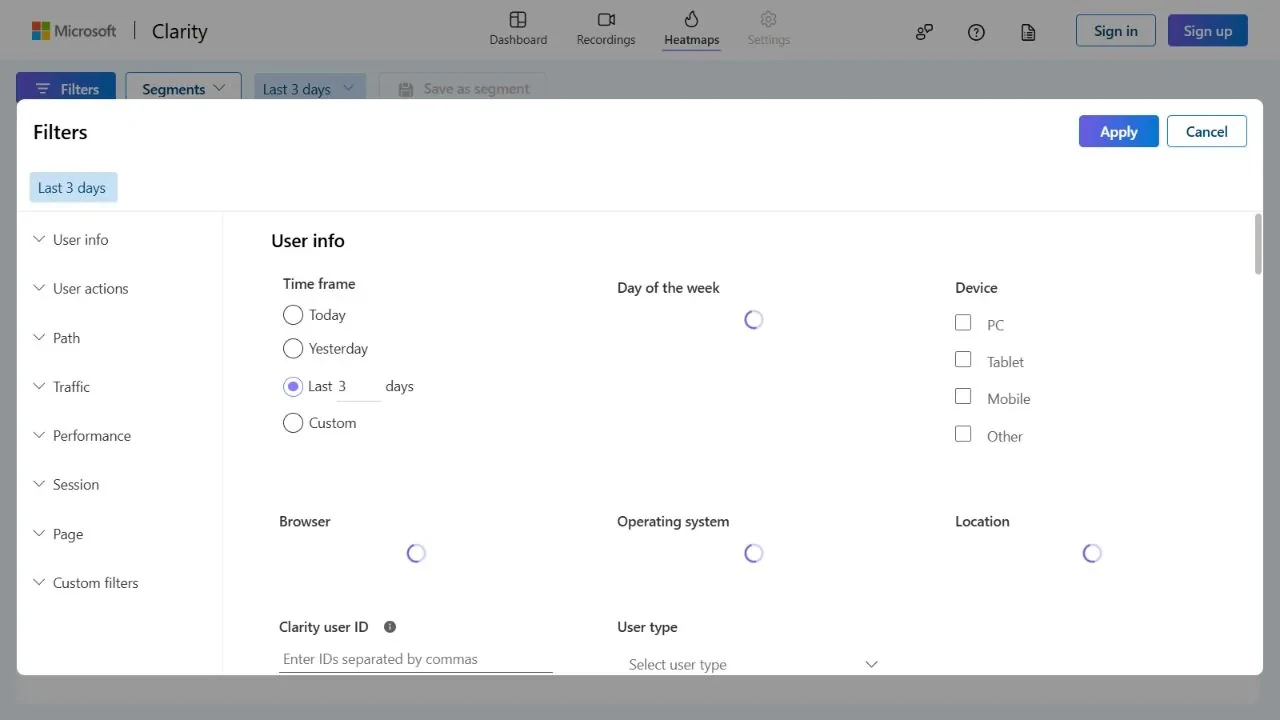
Start with a narrow question such as “Do mobile visitors notice the quotation button?” Use the public demo to learn the controls before installing anything. On your own site, complete the approved setup and consent configuration, verify the project and review only the relevant page and device segment.
A heatmap shows patterns in the captured sample. A replay can suggest that a visitor struggled, but it does not tell you their thoughts. Combine repeated behaviour with a manual test. If people repeatedly tap an element that looks clickable, check its label, expected action and actual behaviour.
Record the problem without exporting personal information. Write a practical fix, assign an owner and repeat the same segmented review after the change. The deeper Clarity walkthrough in this batch covers heatmap interpretation, recordings and verification rather than treating a screenshot as proof of a conversion uplift.
Open full screenshot
Step 5 Turn PageSpeed findings into a short work list
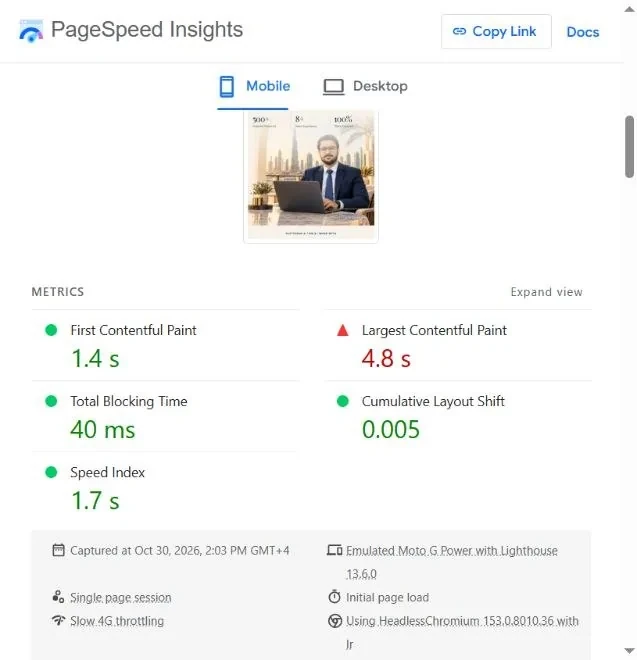
Enter the exact public URL in PageSpeed Insights and select mobile. Save the report URL and capture time. Record FCP, LCP, TBT, CLS and Speed Index alongside the score. If a result looks unusually different, repeat the same URL and device rather than comparing a desktop service page with a mobile homepage.
Separate laboratory diagnostics from real-user Core Web Vitals. When the report says no field data, you cannot claim a field pass or failure from that absence. Use the diagnostics to locate a cause, such as a late hero image or a blocking asset, and validate it before changing the site.
Do not remove a stylesheet simply because it contains unused rules in one test. It may support a mobile menu, form state or another page. Back up the exact current asset, make one scoped change and test both layout and interactions. Performance work that breaks enquiry handling is not a business improvement.
Open full screenshot
Step 6 Crawl a small website with a defined scope
If you use the free SEO Spider, download it from the official provider and crawl only a site you own or are authorised to inspect. Enter the preferred HTTPS homepage and keep the crawl restrained. A 500-URL cap can be consumed by filters and parameters, so a completed free crawl is not automatically a complete inventory.
Review internal links returning errors, redirect chains, duplicate or missing titles and image alt information. Open the affected page before changing it. Decorative images can intentionally have empty alt text, and old URLs can intentionally redirect. A tool flag is the start of a diagnosis, not a command to change every row.
Move confirmed findings into the worksheet with their source page and intended destination. Fix a broken customer path before an optional metadata refinement. Keep the original URL and the verification result so another team member can understand what changed.
Step 7 Use limited free SEO accounts realistically
An Ahrefs Free account can support supported audit and search tasks for a verified site. Check the current provider limits, accessible reports and ownership requirements. Do not assume a free account unlocks unrestricted competitor research, full backlink histories or complete keyword exports.
Start with one concrete question, such as whether important pages have internal links or whether a known referring page still points to the right destination. Validate findings against the public page and your own records. Third-party keyword and traffic figures are estimates; use their stated database and period rather than presenting them as your site’s measured visits.
If you reach a free limit, record the unanswered question. Decide whether a paid tool would materially change the next action. Many small businesses can make progress on clear customer and website problems before needing a larger research subscription.
Step 8 Run a simple weekly growth meeting
Use a 30-minute review as an operating suggestion, not a required industry standard. First, inspect the main business outcome: qualified enquiries or profitable orders. Next, choose the most important unexplained change. Finally, agree one action and its verification method. Keep the discussion tied to customer behaviour and business records.
An illustrative action row might read: “Mobile visitors cannot find the installation requirements; add the verified requirements beside the quotation route; review relevant enquiry quality after sufficient traffic.” The tool provides evidence, while the owner makes the decision and checks the result.
Do not add a new dashboard every week. Remove reports nobody uses and archive completed actions. A modest system that leads to consistent improvements is more valuable than a crowded list of tools that nobody owns.
Frequently asked questions
Can a business grow using only free tools
Free tools can support useful research, measurement and diagnosis. They do not replace a viable offer, accurate implementation or time spent improving the business. Paid tools become worthwhile when their additional information or automation solves a defined constraint.
Which tool should I set up first
For search visibility on an existing website, start with the appropriate verified search account. For sales diagnosis, start with the order and funnel reports you already have. For a broken journey, reproduce the problem before selecting an analytics product.
Is a better tool score the goal
No. Use scores to organise investigation. Measure whether customers can complete the intended task and whether the change improves relevant enquiries, orders or operating efficiency without creating new problems.
Your next action
Choose one unanswered business question, assign a tool and owner, and create the shared action sheet. If implementation is the barrier, scope the exact measurement or website change through digital marketing services. Ask for the evidence and verification plan alongside the proposed work.
Sources and verification
Checked 30 October 2026: Search Console introduction, Google Trends, Clarity overview, SEO Spider, Ahrefs Free, PageSpeed Insights. Tool limits should be checked again before publication. No accounts were created and no tracking was installed for this guide.