

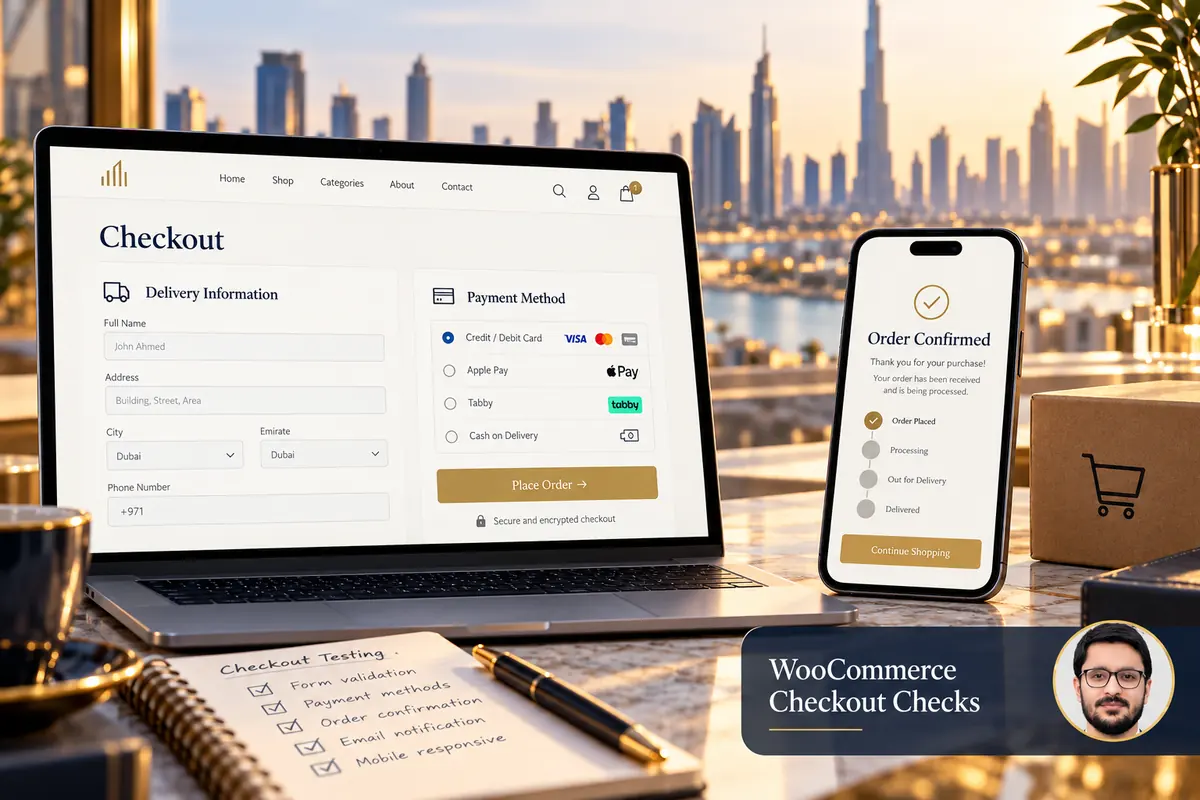
A WooCommerce checkout problem can begin before payment: an address may not match a shipping rule, a required field may reject valid input or a script may stop the page responding. The fastest useful diagnosis starts with the exact step that fails.
Record the customer’s symptom without collecting payment-card details. Separate a browser error, a declined payment, an unpaid order and a completed payment with a missing confirmation. Those situations need different investigations.
1. Capture a reproducible example
Note the page, device, product type, selected delivery option and visible error. Use authorised test data and the gateway’s supported test method. Record the time and relevant order reference so the technical team can compare the incident with appropriate logs.
Do not keep retrying a live payment to see what happens. A customer may already have been charged even if the browser did not show the expected result. Check the order and payment-provider records before deciding whether another attempt is appropriate.
2. Check required fields and address validation
Test a realistic name, email and telephone number, including the country formats your business supports. Review what happens when a field is empty, invalid and then corrected. Error text should explain the problem without breaking the field layout.
If a custom phone widget is used, confirm the value submitted to WooCommerce is the same valid value the visitor entered. A visible number beside a country flag does not prove the underlying field contains it.
3. Review shipping before blaming payment
WooCommerce’s core shipping troubleshooting guide covers missing methods and unexpected rates. Compare the address, shipping zones, product requirements and available methods with the expected result.
- Test covered and excluded destinations.
- Check products with different shipping classes or fulfilment needs.
- Try quantities above and below any delivery threshold.
- Review local pickup separately if offered.
- Confirm the selected payment option remains available after delivery choices change.
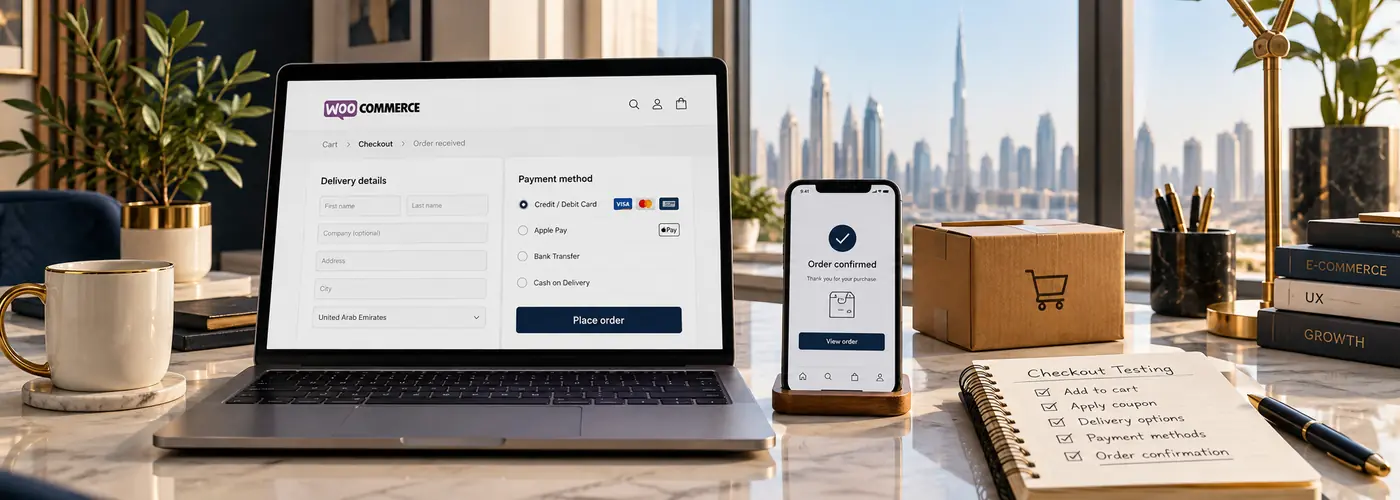
4. Check the payment integration safely
Confirm the intended gateway is enabled and configured for the correct environment. Review current provider documentation, account status and supported currencies or methods. Keep credentials private and ask an authorised technical owner to inspect them.
WooCommerce’s payment-error guidance recommends a test environment for troubleshooting. Use the gateway’s test facilities and review the order-status flow, not just whether a payment button appears.
5. Isolate compatibility and caching issues
Review recent changes to checkout extensions, the theme, optimisation settings or custom code. Test suspected conflicts in staging where possible. Do not disable essential payment or security controls on the live store simply to experiment.
Confirm transactional pages and customer-specific information are handled appropriately by caching. If a change resolves the symptom, repeat the full journey and document the cause before applying a focused production fix.
6. Test what happens after payment
Check the order record, payment status, customer confirmation and fulfilment handover. A missing email can be a delivery issue rather than a checkout failure. Likewise, a browser success screen alone is not proof that the provider confirmed payment.
For redirected payment flows, review both the return to the website and the provider’s supported server notification process. Have a qualified developer inspect failures without exposing sensitive transaction information.
7. Keep a repeatable checkout test matrix
- Guest and account-based purchases where supported.
- Representative products and variants.
- Different valid delivery destinations.
- Successful, cancelled and declined test-payment paths.
- Desktop and mobile validation.
- Order confirmation, stock handling and staff notifications.
Keep expected outcomes beside each case. Repeat the relevant tests after checkout-related updates so an old issue does not quietly return.
Frequently asked questions
Does an error mean the customer was not charged?
Not necessarily. Compare the order and gateway records before advising another payment attempt.
Should I replace every checkout plugin?
No. Identify the failing interaction and test a focused change before expanding the scope.
Can a payment gateway fix a broken telephone field?
Usually that requires reviewing the website’s field implementation and submitted value. Diagnose the actual failure first.
See WooCommerce payment planning for UAE stores and WooCommerce development support. Describe the failing checkout step to begin a scoped review.