

Payment setup is one of the biggest reasons an otherwise finished Shopify store is not ready to launch. The product pages may look excellent, but customers cannot complete a purchase until an eligible merchant account is approved and checkout has been tested.
If you are choosing Shopify payment gateways in the UAE, start with the payment methods your customers need, then confirm the options that your own store and business entity can actually use.
Is Shopify Payments available in the UAE?
Shopify’s current documentation includes Shopify Payments for the United Arab Emirates. Eligible UAE online stores can apply, subject to requirements such as business verification and supported account details. Do not confuse platform availability with automatic approval for every company or license type.
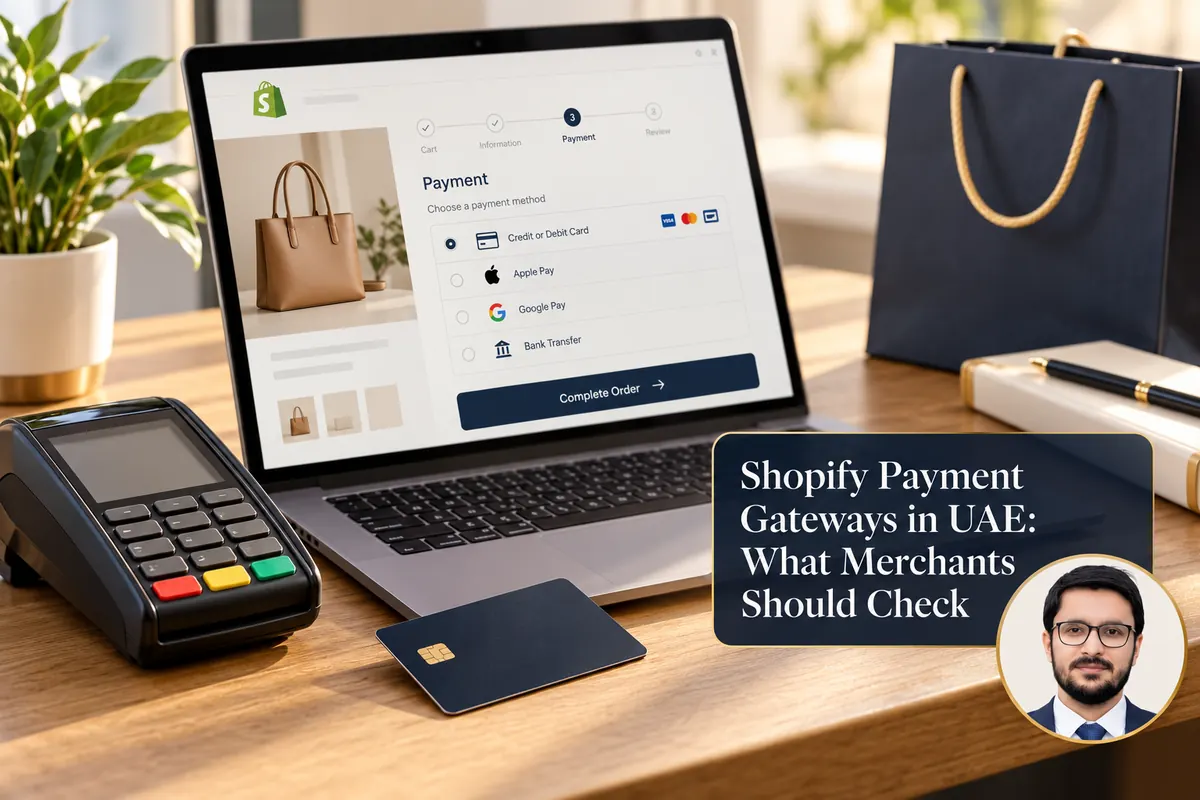
The official UAE payment-method documentation lists supported card payments and accelerated checkouts such as Apple Pay, Google Pay and Shop Pay, according to the merchant setup. Availability can change, so use Shopify’s live documentation and your store’s Payments settings as the final reference.
What about third-party gateways?
Shopify also supports third-party payment providers and some additional payment methods. The providers visible to you depend on store location, account status, country support and other configuration factors. A name mentioned in a blog post is not a promise that it will appear in every store’s dashboard.
Go to Shopify Admin → Settings → Payments, review the provider options shown there and consult the provider’s own onboarding team before planning a launch around it. Shopify explains the third-party provider setup process in its help centre.

A payment-gateway checklist for UAE merchants
- Business verification: what trade license, ownership, bank and address evidence is required?
- Settlement: which currency reaches your business account, and when?
- Pricing: what are the transaction, refund, chargeback, cross-border and possible platform fees?
- Checkout experience: does the buyer stay on your store or move to an external payment page?
- Payment methods: which cards and wallet methods are actually available to your customers?
- Support: how are disputed or failed transactions handled, and who responds when payout is delayed?
Ask for the written fee schedule. Even small percentage differences can matter at volume, but reliability and settlement clarity are just as important.
How to prepare your Shopify store before applying
Make sure your store represents a real business: clear contact details, accurate products, shipping and returns information, privacy terms, and an accessible customer support route. Keep your domain, company details and bank information consistent where required. Some processors request information about product categories or fulfilment procedures.
If your store sells regulated goods, check both local requirements and the payment provider’s prohibited-business rules. A working test checkout does not override compliance rules.
Test the checkout from a customer’s perspective
After activation, use the provider’s supported testing methods and then confirm an authorized low-risk live transaction if appropriate. Check the entire flow: address entry, delivery options, payment, order confirmation, notification emails, refunds and reconciliation. Test mobile and desktop separately. Never assume a successful payment button click means the order data has been saved correctly.
Check the customer experience after failed or cancelled payments too. Can the buyer retry without duplicate orders? Are transaction statuses understandable for staff?
Common mistakes to avoid
Enabling a gateway before reviewing fees, building an elaborate store before confirming merchant eligibility, confusing a provider app with an approved merchant account, and relying on screenshots from another country’s Shopify admin are all avoidable problems.
I can help with the technical side of Shopify store setup in Dubai and Shopify development, but merchant approval ultimately sits with the payment provider and the relevant verification process.
Frequently asked questions
Does Shopify Payments approval happen instantly?
Not necessarily. Verification may require documents or additional review. Plan onboarding time into your launch schedule.
Can I use more than one payment method?
Potentially, depending on the store’s payment configuration and the compatibility of providers. Verify permitted combinations in Shopify’s documentation and your admin.
Are payment-gateway fees the same for all UAE businesses?
No. Rates and terms can depend on provider, plan, payment method and commercial agreement. Review your actual pricing before activating.
Further reading: Shopify Payments UAE and UAE payment methods.