

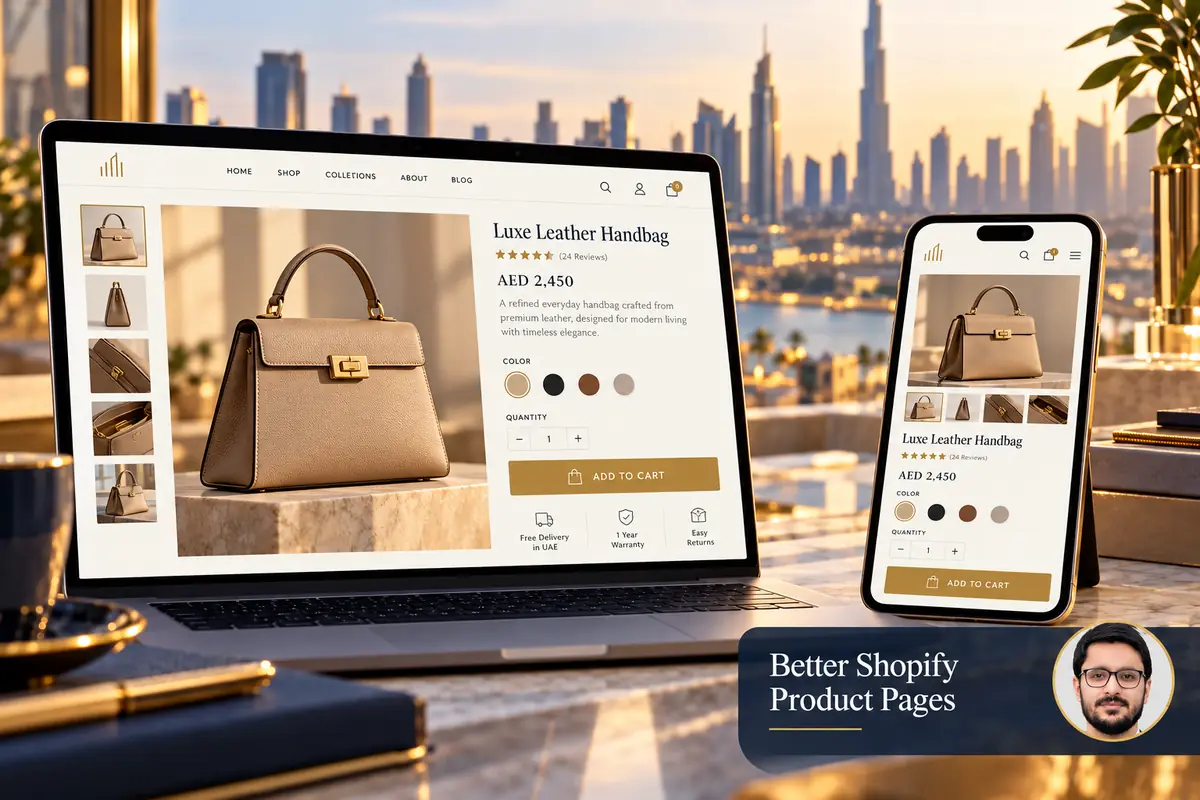
A product page should answer the questions that stand between interest and a confident purchase. Attractive photography matters, but customers also need to understand the product, choose the right variant and know what delivery will involve.
For a Shopify store serving UAE customers, review the complete buying decision rather than adding more badges or promotional widgets. The right information depends on what you sell and the expectations your business can meet.
1. Explain the product clearly
Use a specific title and a description that answers practical questions. For clothing, explain fit, fabric and care. For skincare, provide accurate ingredients and usage information without unsupported medical claims. For equipment, include the specifications needed to assess suitability.
Shopify’s product-description guidance recommends useful specifications and benefits supported by evidence. Build the description around verified product information rather than copying vague promotional language across the catalogue.
2. Make images useful for evaluation
Show the product from relevant angles, with enough detail to understand materials, scale and included components. Keep images consistent without making different products indistinguishable. If an image shows accessories that are not included, explain that clearly.
Compress images and provide suitable display sizes, but do not remove the detail needed for a buying decision. Add descriptive alt text for meaningful images. Avoid stuffing keywords into alt text or describing features the image does not show.
3. Make variants and availability unambiguous
Customers should be able to distinguish colour, size, material or pack options before adding an item to the cart. Check that selecting a variant updates the relevant image, price and availability correctly. Do not let a default selection create an accidental order for the wrong item.
- Use understandable option labels.
- Show unavailable variants clearly.
- Provide size or compatibility guidance where needed.
- Confirm which images correspond to which variant.

4. Explain delivery and returns near the decision
Give customers a clear route to delivery coverage, expected dispatch timing, charges and return conditions. Use your real fulfilment arrangements rather than a generic promise of next-day delivery. Explain any product-specific restrictions or longer lead times before checkout.
Keep detailed policies available and make short summaries consistent with them. If terms vary by location or product, say so. Ask the appropriate business owner to review policy wording when operations change.
5. Build trust with genuine information
Provide working contact details and accurately attributed reviews where available. A store does not become trustworthy by displaying unsupported guarantees or invented purchase notifications. Use reassurance that your business can substantiate.
Make the purchase action easy to identify, but keep essential details accessible. A sticky add-to-cart control should not hide content or block mobile navigation. Test long product names, sale pricing and translated text if the store supports multiple languages.
6. Test the page as a customer
- Open the product from a collection on a phone.
- Inspect the gallery and choose a variant.
- Read the delivery and return information.
- Add the item and confirm the cart contains the correct option.
- Check the next step using the platform’s safe testing process.
Repeat this for different product types. A template that works for a single-size accessory may need extra information for configurable furniture or technical equipment. Use reusable fields where appropriate so editors can maintain those differences consistently.
Frequently asked questions
Should every product page have the same description?
No. Use a consistent structure, but provide product-specific information and avoid duplicating irrelevant copy.
Do more widgets always improve conversion?
No. Each feature should help the buying decision and remain reliable on mobile. Unnecessary widgets can distract customers and add page weight.
Can product pages improve SEO?
Clear, original information and accessible navigation can support discovery, but no page layout guarantees rankings or sales.
Explore Shopify theme customisation and store UX design. For broader planning, read starting a Shopify store in the UAE. Share a product page you want to improve to discuss the requirements.