

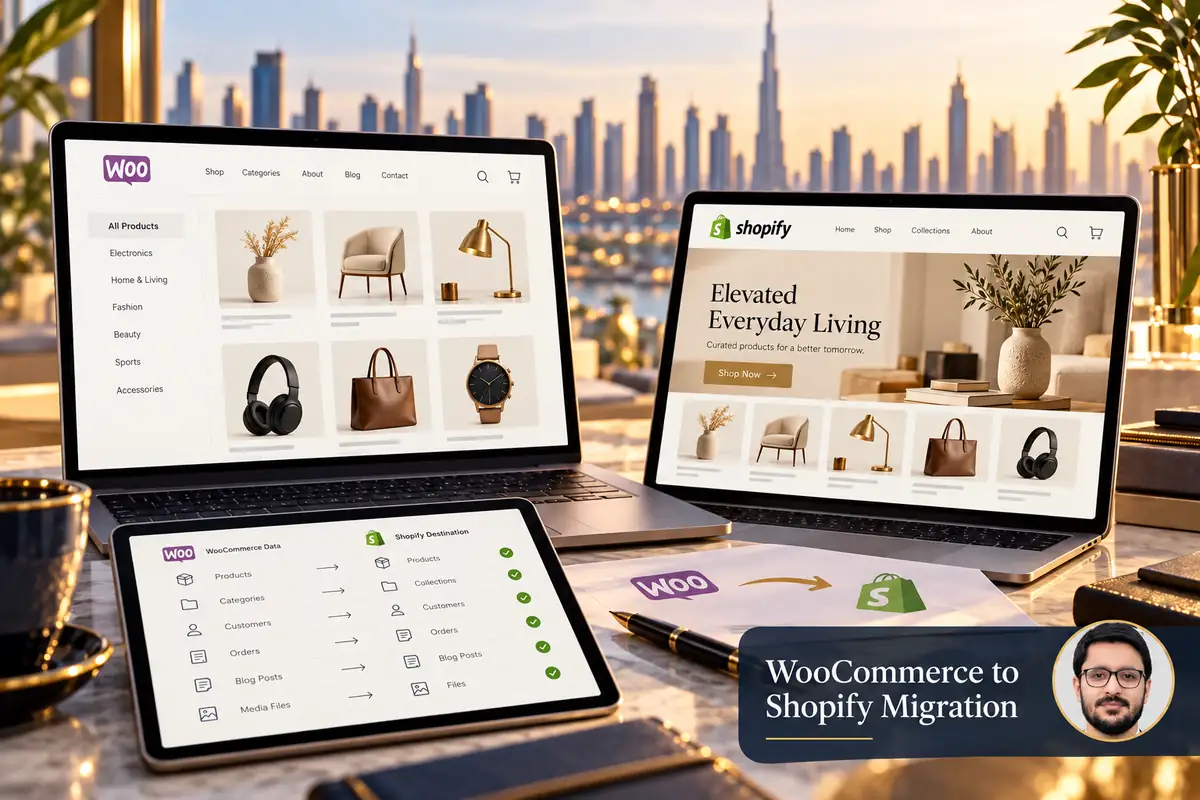
Moving from WooCommerce to Shopify is a business change as well as a data transfer. Products, orders, customer communication, search URLs and daily store operations all need a plan. A clean-looking new theme is only one part of the migration.
Before moving the catalogue, ask a Shopify developer in Dubai to plan the migration and the Shopify migration services needed at launch.
Before moving, identify what you want to improve and what must remain dependable. This checklist helps you scope a migration without assuming every feature or record transfers automatically.
1. Audit the existing store and integrations
List the product types, variants, custom fields, customer accounts, order history and content you need. Record payment providers, shipping rules, subscriptions, discounts and external systems. Note which functions are essential and which can be simplified.
Review Shopify’s WooCommerce migration guidance when selecting a transfer method. Different data types may require different tools or manual work. Do not assume a product CSV also moves every order, review, account credential or plugin setting.
2. Map data before importing it
Create a mapping sheet for source fields and their intended Shopify destination. Clean duplicated products, inconsistent option names and outdated information before a full import. Keep an untouched export as a reference.
- Match product titles, descriptions, images and variants.
- Check SKUs and inventory locations.
- Plan collections, navigation and useful custom fields.
- Decide which historical records must remain accessible.
- Confirm how customer account access will work after the move.
Run a sample import first. Compare the imported records with the source and test unusual products, not only a simple item. Resolve mapping issues before repeating the import at full scale.
3. Rebuild the shopping journey deliberately
Review collection navigation, product information, search and mobile layouts. Translate necessary WooCommerce features into a suitable Shopify approach rather than copying every old plugin. Check recurring costs and maintenance implications before choosing apps.
For UAE customers, review available payment options, delivery coverage and clear policy information. Our guides to Shopify payment gateways in the UAE and product page information can support this planning.

4. Map old URLs to relevant new pages
Export important existing URLs and record their intended destinations. Include products, categories and useful articles. Shopify has its own URL structure, so a domain remaining the same does not mean every page address remains the same.
Use Shopify’s URL redirect guidance to implement supported redirects. Send an old page to the closest relevant replacement rather than directing every address to the homepage. Update internal links to use the final destinations directly.
5. Test payments, shipping and order handling
Use appropriate test procedures to check successful and unsuccessful payment paths, shipping choices, discount rules, order notifications and fulfilment handover. Confirm how tax settings and invoices should be handled with the business’s responsible adviser.
Test on a phone as well as a desktop. Include products with variants, unavailable inventory and different delivery destinations. Record who fixes each issue and repeat the affected journey after changes.
6. Agree the launch and reconciliation plan
- Choose a launch window and assign an owner.
- Take final backups and exports.
- Agree how changes and new orders during the transition will be handled.
- Complete the final data sync and compare key records.
- Switch the domain only when the store is ready.
- Check live links, checkout, notifications and search monitoring.
Keep access to the previous records for an appropriate period. Monitor real customer issues after launch and resolve them before adding unrelated features. Search visibility can fluctuate during a move, so avoid promises of an immediate ranking improvement.
A migration acceptance sheet you can use
Keep this checklist separate from the commercial scope. For each item record the source count or example, Shopify destination, test result and responsible person.
- Products and collections: compare SKUs, variants, inventory, image associations and collection rules after a sample import.
- Customers and orders: agree which history needs transferring, how accounts are activated and how retained records remain accessible. Do not assume passwords or all historic orders move with a product CSV.
- Apps and integrations: map each required function to a supported replacement, recurring cost and test owner.
- URLs and SEO: map important old product, category and article URLs to relevant destinations; test redirects, canonical output and final internal links.
- Payments and launch: test supported payment outcomes, delivery rules, notifications and fulfilment handover. Reconcile new records during the final sync.
Shopify’s migration instructions distinguish product, customer and order-history workflows. Use this article to prepare the inventory; the Shopify migration service covers scoping and delivery. The Souq Al Herb migration case study provides related project context, without implying every store needs the same approach.
Frequently asked questions
Can I keep all my WooCommerce features?
Some have direct alternatives; others need a different workflow or custom scope. Audit each essential function before choosing the migration approach.
Should I redesign during the migration?
You can, but distinguish necessary platform changes from optional redesign work so testing and launch priorities remain clear.
Will customer passwords transfer automatically?
Do not assume so. Confirm the supported account migration and activation process for the method you choose.
Read Shopify versus WooCommerce if you are still deciding. For an existing store, explore Shopify migration support and request a scoped migration review.