

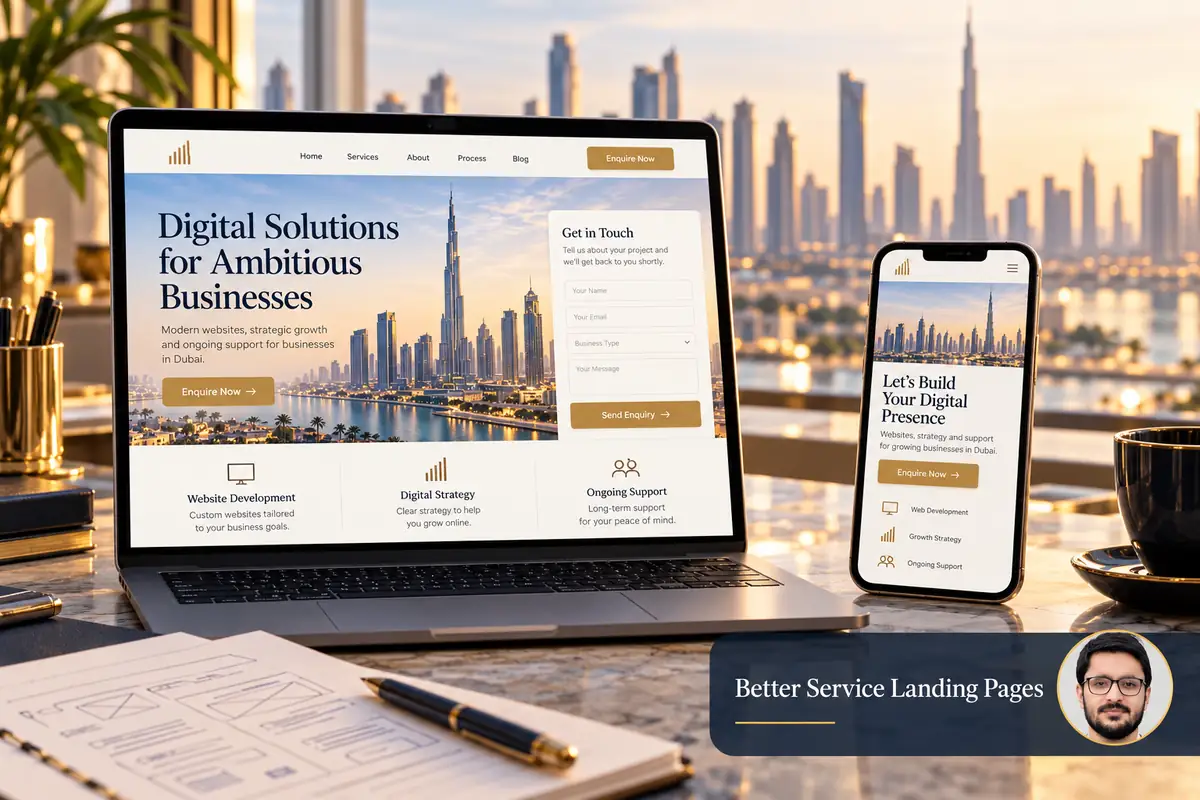
A good service landing page answers a specific customer’s questions and gives them a clear next step. For a Dubai business, that usually means explaining the service, who it suits, how the work is handled and how to make a relevant enquiry.
The page does not need to contain every detail about the company. It needs enough accurate information for a visitor to decide whether a conversation would be useful. Start with the customer’s task before choosing a layout.
1. Give the page one clear job
Define the audience, the service and the action you want to support. A page for urgent website maintenance should not read like a general company brochure. A page for a planned ecommerce build needs different information from one offering a small repair.
Write a brief sentence describing the intended visitor and their need. Use it to decide what belongs on the page. If a section does not help that person understand the service or take the next step, simplify or move it.
2. Make the opening specific
Use a descriptive main heading and a short explanation of the problem you help solve. State real service coverage and avoid vague claims such as being the best agency for every business. If the service has important boundaries, explain them clearly.
A useful opening might identify the platform, type of business and deliverable. It should not promise guaranteed sales, rankings or response times that the business cannot support. Link to related services where the visitor needs another route.
3. Explain scope and the working process
- What does a typical engagement include?
- What information does the customer need to provide?
- Which items require separate scoping?
- How are feedback and approvals handled?
- What happens after delivery?
Use plain language and meaningful headings. Google’s SEO Starter Guide recommends readable, organised content and descriptive page information. Repeating a location phrase in every paragraph does not make the explanation more useful.
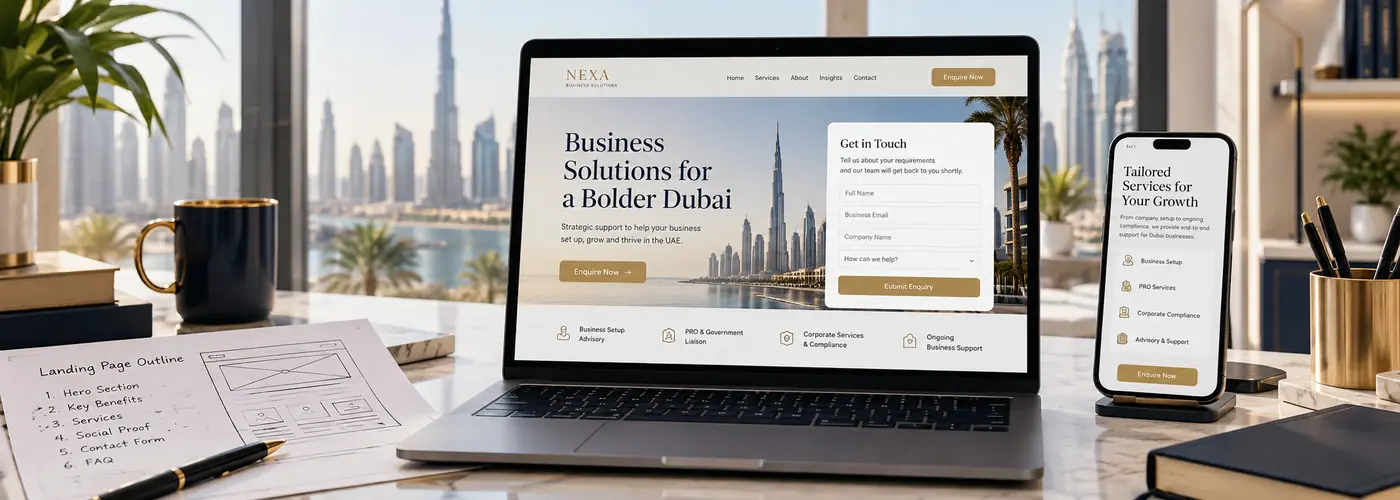
4. Use evidence visitors can assess
Show relevant real projects, accurately attributed feedback and examples of deliverables where available. Explain what you did rather than presenting a screenshot as proof of an unmeasured commercial result.
If you do not have a verified outcome figure, describe the completed work and its purpose. A clear scope, live example or genuine testimonial is more useful than an invented percentage. Link project cards to the correct portfolio entries so readers can explore further.
5. Make the enquiry step easy to understand
Choose a primary action that matches the service, such as requesting a scoped quote or booking an initial discussion. Explain what happens after the action. Use specific button wording instead of several competing buttons with unclear destinations.
Ask for the information needed to respond, not everything you might need later. Provide visible field labels and useful validation. Test international phone input, required fields, the success state and actual delivery to the responsible inbox or system.
6. Check mobile spacing and contact behaviour
Read the page on a small screen from beginning to end. Check that headings wrap naturally, text remains readable and fixed buttons do not cover the form. Phone and WhatsApp links should lead to the intended destination.
Use appropriately sized images and avoid loading decorative media that delays the useful content. If a background image carries important information, include that information in text as well. Customers should not need a large screen to understand the offer.
7. Review the page with a practical checklist
- Ask someone unfamiliar with the service to explain what is being offered.
- Check that claims and examples are accurate.
- Test every important link and enquiry route.
- Confirm the page title and description match its purpose.
- Review genuine enquiry quality after launch, not only button clicks.
A service-page review you can hand to your team
- Headline: can an unfamiliar reader name the service and intended customer?
- Intent match: does the page answer the promise made in search, the ad or the referring link?
- Scope: are deliverables, dependencies and exclusions explained before the contact step?
- Evidence: can readers open a relevant project example and understand the actual work, rather than infer an unsupported result?
- Navigation: do related services and project links lead to the correct live pages without repetitive links in every paragraph?
- CTA: is one primary next step clear, with a working contact destination and a sensible follow-up expectation?
- Mobile: check text wrapping, focus, sticky elements, field validation and the keyboard-open state.
For example, a WordPress development page should explain the editing and integration requirements, while a Shopify store development page should address catalogue and buying workflows. Use the live portfolio to support the relevant explanation, not as a substitute for scope.
Frequently asked questions
Should every service use the same layout?
A shared design can help consistency, but the content should reflect the decisions and questions for each service.
Does a longer landing page rank better?
Length alone is not a goal. Include the detail needed to answer the visitor’s task without padding or repetition.
Should I include prices?
Include accurate pricing or scope guidance when it helps customers decide. Explain conditions rather than advertising an unrealistic starting figure.
Explore business web design. If visits are not producing useful enquiries, read what to check before rebuilding or request a landing-page review.