

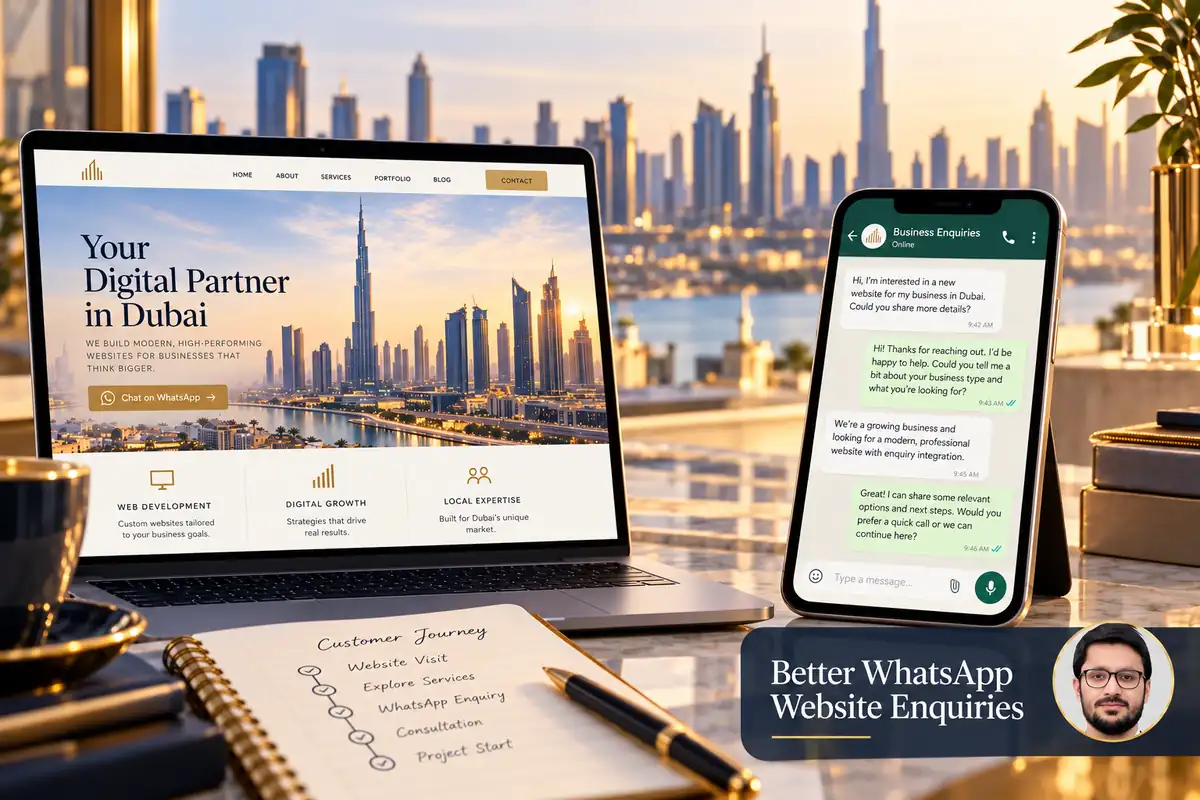
A WhatsApp button can give customers a familiar way to contact a business. Its value depends on what happens after the tap: the correct account must open, the visitor should understand what to send and someone needs to handle the conversation.
Plan WhatsApp as an enquiry route rather than a decorative floating icon. This guide covers useful page context, reliable links, measurement and the handover to your team.
1. Choose an account the business can manage
Confirm the destination number, ownership and staff access arrangements. Avoid directing every website enquiry to a personal account that becomes unavailable when one person is away. Establish how the team will identify and respond to new conversations.
Set expectations around availability using wording the business can maintain. If you cannot offer an immediate response, do not label the button as live instant support. Give visitors an alternative contact route where useful.
2. Build and test the contact link
WhatsApp’s click-to-chat guidance explains links using a full international number and supports a URL-encoded pre-filled message. Follow the documented number format rather than copying the visual formatting used in a printed telephone number.
Test on a phone and on desktop, including WhatsApp Web where appropriate. Check that the intended business account opens. Review the actual destination after editing a footer, header or service template so an old number is not left in one section.
3. Give the conversation useful context
A short pre-filled message can identify the service or product the visitor was viewing. Keep it editable and understandable. For example, it can ask about the service shown on the page without forcing the customer through a long script.
Do not put private customer details, passwords or sensitive enquiry content into a public link. Avoid adding unnecessary identifiers to the message or URL. The customer should choose what information to share in the conversation.
4. Place the button where it helps a decision
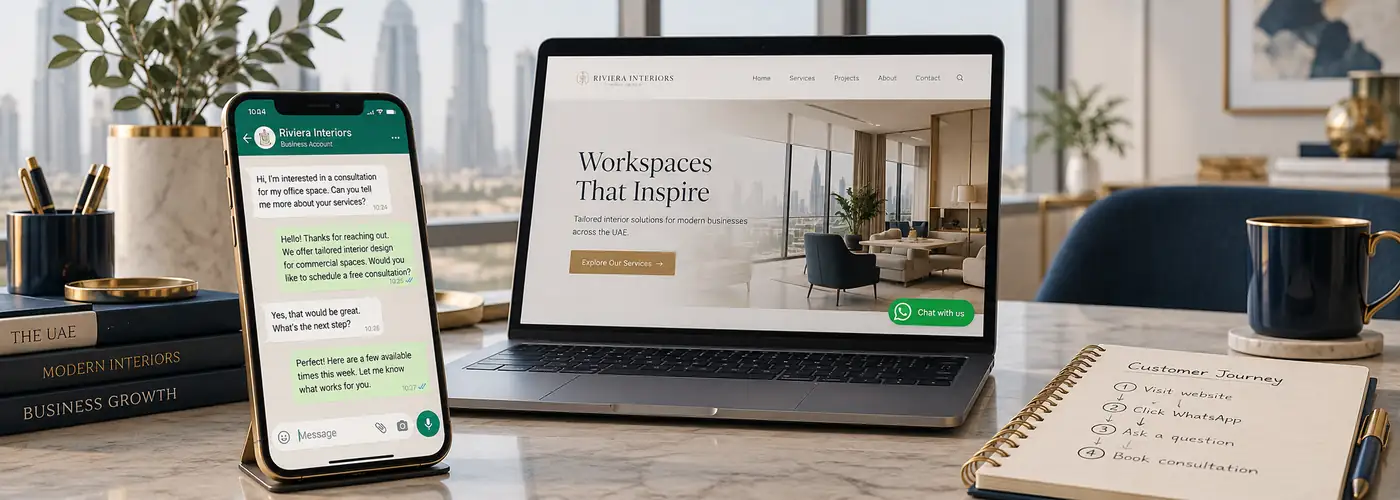
Use clear wording such as asking a question about the service rather than relying on an icon alone. Place the option near relevant information, while retaining a sensible primary action for the page.
Check floating buttons against cookie notices, sticky controls and the mobile keyboard. A chat icon should not cover product options, form errors or navigation. Include an accessible text label and an obvious focus state for keyboard users.
5. Measure the click without claiming a conversation
A website can record an outbound contact click through a suitable analytics setup. That click does not prove the visitor sent a message, received a reply or became a customer. Keep its event name and reports distinct from a confirmed lead.
Review the full destination when configuring click rules so the intended WhatsApp links are included without collecting unrelated actions. Test after template changes and avoid duplicate tags. Our GA4 and Tag Manager enquiry guide explains measurement planning and validation.
6. Keep analytics free of message contents
Do not send the customer’s message text, phone number, name or email address to Analytics. Google’s PII guidance is relevant when planning event parameters and reviewing link URLs.
Use a non-identifying context value, such as the service category, only when appropriate. Keep operational conversation records in an authorised business system with suitable access and retention arrangements.
7. Agree how staff handle enquiries
- Who checks new conversations during business hours?
- What information is needed to qualify the request?
- How are follow-ups assigned?
- When should a discussion move to a formal brief or quotation?
- How will the business distinguish spam, repeat questions and useful enquiries?
Review recurring questions and improve the website’s explanations. If customers repeatedly ask about the same delivery or service boundary, clearer page content may reduce unnecessary back-and-forth.
Frequently asked questions
Can analytics confirm a WhatsApp message was sent?
A normal website click event cannot prove that. Treat it as contact intent unless a separate authorised integration confirms a later outcome.
Should WhatsApp replace the contact form?
Not automatically. Customers and workflows differ. Keep the routes that your business can respond to reliably.
Can I use the same message on every page?
You can, but a short relevant service context may help the team understand the request. Keep the wording accurate and editable.
Read how to plan a useful service landing page and explore business web design. Discuss your enquiry workflow to connect website actions with a practical response process.