

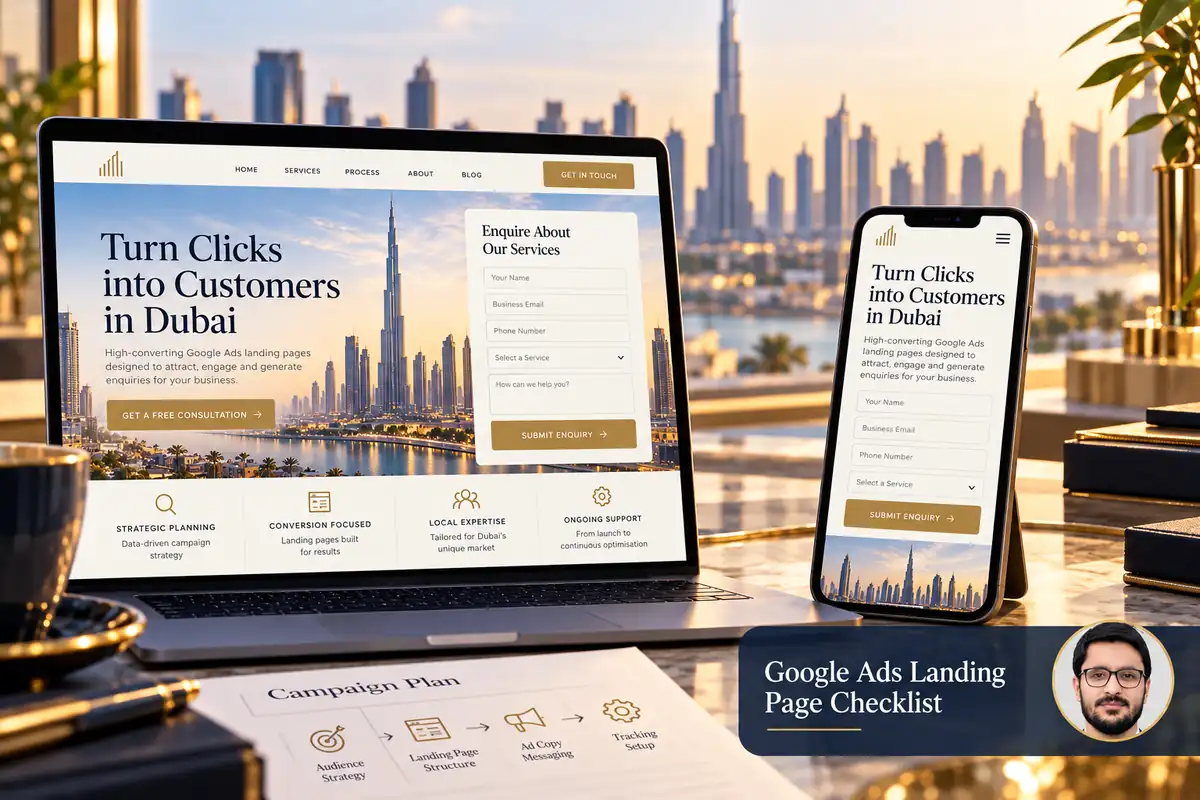
A Google Ads landing page should continue the promise made in the advertisement. If the ad describes a specific service, the visitor should find that service, a clear explanation and a relevant next step without having to search through the whole website.
Prepare the page before increasing campaign spend. A working advertisement cannot compensate for a broken form, unclear offer or misleading condition. This checklist focuses on the destination experience and the enquiry journey.
1. Match the page to the advertisement
Review the actual ad wording, intended audience and final URL together. Keep the service, offer conditions and geographical coverage consistent. Do not send an ad about one specialist service to a page that mainly discusses something else.
Google’s landing-page explanation describes relevance, usefulness and navigation as parts of the experience. A page can be visually polished while still failing to answer what the advertisement led the visitor to expect.
2. Explain the offer before asking for details
Use a specific heading, a short description and enough scope information for a sensible decision. Identify who the service suits and any important limitation. If pricing depends on a brief, explain that rather than advertising an unrealistic universal price.
Support claims with genuine evidence. Use real project examples and accurately attributed feedback. Avoid invented urgency, unsupported ranking promises or performance percentages borrowed from unrelated work.
3. Make the destination usable and trustworthy
Google’s destination-experience policy requires functional, useful destinations that are easy to navigate. Review intrusive elements, confusing redirects and controls that make the page difficult to leave or use.
- Make the business identity and contact route clear.
- Provide accessible policy information where relevant.
- Keep navigation and buttons understandable.
- Avoid covering the main content with repeated overlays.
- Check the exact destination on desktop and mobile.
This is a practical preparation checklist, not a guarantee of ad approval. Review the current policies applicable to the business and campaign before launch.
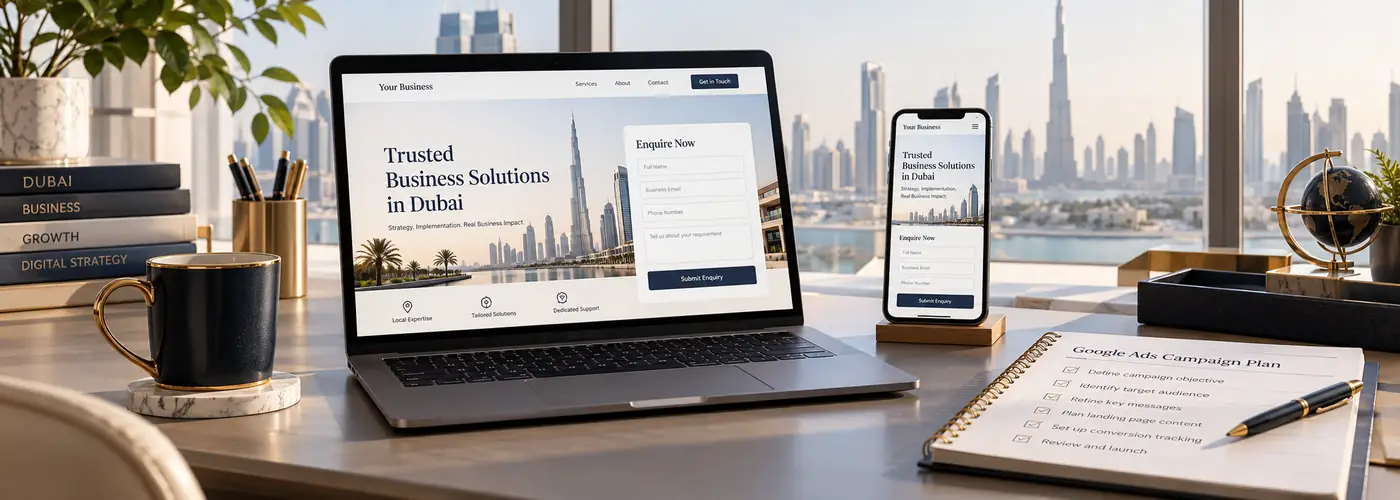
4. Keep the primary action focused
Choose the action that fits the campaign: requesting a quote, booking an initial discussion or asking about a particular service. Explain what happens next and avoid several equally prominent buttons with unrelated destinations.
Ask for the information needed to respond. More fields do not automatically create better leads. For a complex service, a short initial request followed by a structured brief may be more manageable than a long mandatory questionnaire.
5. Test the form beyond the success message
Check required-field errors, international telephone entry and correction after an invalid attempt. Test the form with the mobile keyboard open. Confirm that a valid request reaches the right inbox or CRM and includes useful campaign context.
If the page offers telephone or WhatsApp contact, test those destinations too. Keep a contact click distinct from a confirmed enquiry in reporting. Our GA4 enquiry-tracking guide explains how to define meaningful events.
6. Review loading and visual stability
Use appropriately sized images, reserve media space and avoid unnecessary scripts. Test the page under realistic mobile conditions rather than judging it only on an office connection.
Check what happens before third-party widgets finish loading. The main heading, service explanation and enquiry route should remain usable. A decorative video should not become a barrier to understanding the offer.
7. Run a final campaign handover
- Open the exact final URL from the campaign.
- Compare page wording with the ad.
- Test the intended customer action.
- Confirm analytics events and avoid duplicates.
- Verify staff know how to handle incoming requests.
- Record the launch version and review date.
Assess genuine enquiry quality and follow-up alongside clicks. A lower-cost click is not automatically useful business, and the page is only one part of the campaign.
Frequently asked questions
Can I use the homepage as the landing page?
Sometimes, if it directly meets the advertisement’s intent. A focused service page is often easier to align with a specific offer.
Will a new page guarantee cheaper leads?
No. Targeting, competition, the offer and response process also affect outcomes.
Should I hide all navigation?
Reduce distractions thoughtfully, but keep the destination understandable and usable. Do not trap visitors or remove necessary information.
Read what makes a useful service landing page and explore Google Ads support. Share the intended ad and destination for a scoped review.